Now Reading: Best AI Tools for Social Media in 2026: Create Content, Schedule Posts, and Automate Marketing
-
01
Best AI Tools for Social Media in 2026: Create Content, Schedule Posts, and Automate Marketing
Best AI Tools for Social Media in 2026: Create Content, Schedule Posts, and Automate Marketing

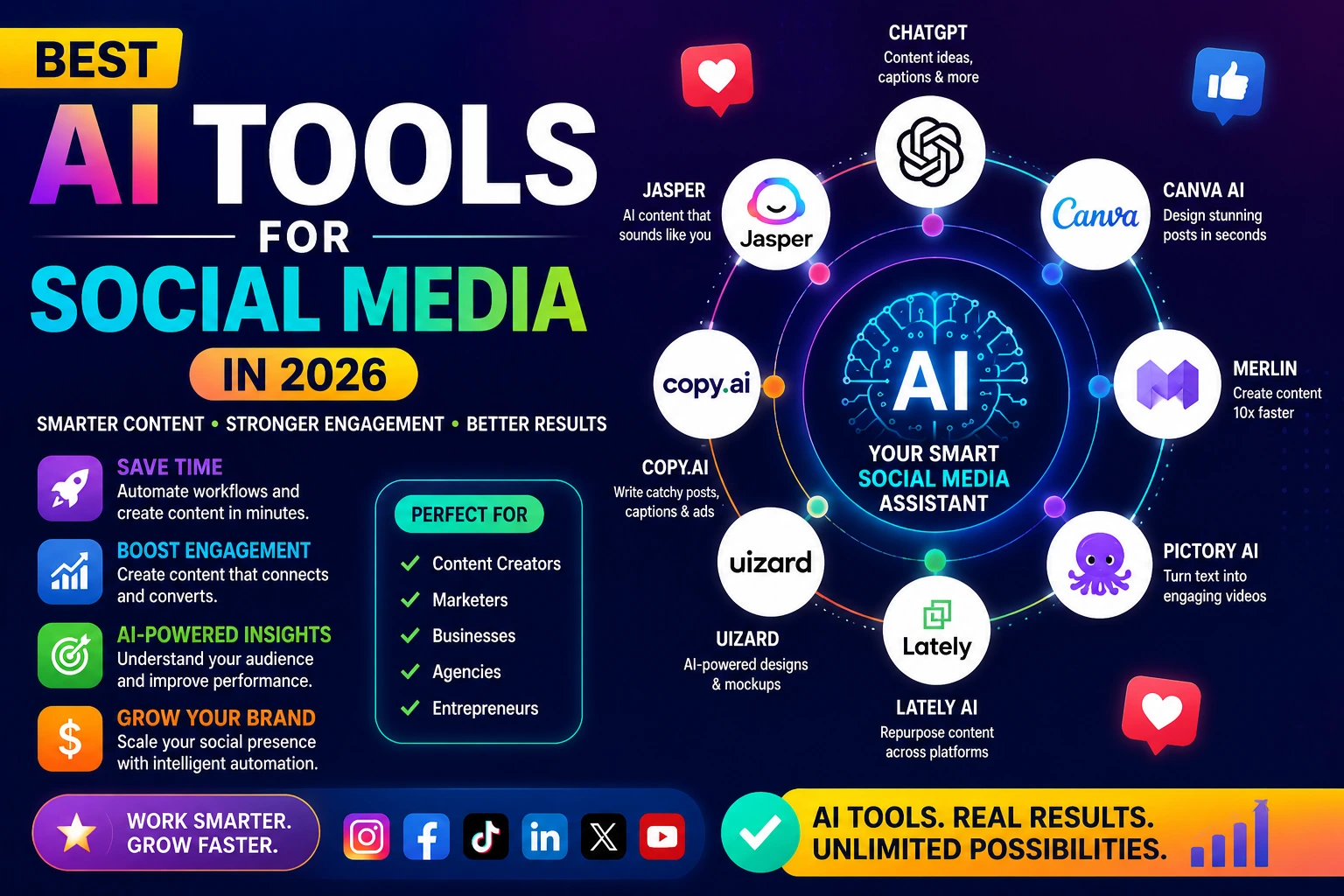
The best AI social media tools in 2026 combine content generation, scheduling, and performance analytics in one platform. Top AI Tools for Social Media options include Buffer, Later, Publer, and Predis.ai for small businesses, while Hootsuite and Sprout Social suit larger operations. The right choice depends on your budget, platforms, and how much content you publish weekly.
- AI social media tools handle content creation, scheduling, hashtag research, and performance reporting often all in one place.
- For beginners and small businesses, tools like Buffer AI, Later, and Predis.ai offer the best balance of ease and capability.
- A good AI post generator dramatically reduces the time spent writing captions and coming up with content ideas.
- Social media automation is useful, but scheduled posts still need a human eye before they go live.
- Most tools offer free trials test two or three before committing to a paid plan.
- The “best” tool depends on which platforms you use, how much you post, and what you need most help with.
- AI can assist with consistency; it can’t replace genuine engagement with your audience.
Introduction
Managing social media for a business sounds simple until you’re actually doing it. Suddenly you need fresh content every day, captions that sound natural, graphics that look professional, the right hashtags, and posts scheduled at the right time — across multiple platforms, consistently, without burning out.
That’s where AI social media tools come in. They’ve moved a long way past basic schedulers. The platforms available now can generate post captions from a simple prompt, suggest content ideas based on your niche, repurpose a blog post into a week’s worth of social content, and analyze what’s working so you can do more of it.
But there are a lot of options out there, and they’re not all equally useful. Some are excellent for small teams on a tight budget. Others are built for agencies managing dozens of accounts. Some have genuinely impressive AI writing quality; others produce content you’d be embarrassed to post.
This guide covers what AI social media tools actually do, which ones are worth your time in 2026, and how to choose the right one based on your situation — whether you’re a solopreneur just getting started, a small business owner with a few hours a week to spare, or a marketer trying to scale output without scaling headcount.
What Are AI Social Media Tools?
AI social media tools are software platforms that use artificial intelligence to help you create, schedule, publish, and analyze content across social media channels more efficiently than doing it manually.
The term covers a fairly wide range of functionality. At the most basic level, an AI post generator takes a topic or prompt and writes a social media caption for you. At the more advanced end, a full AI marketing software suite might analyze your audience’s engagement patterns, recommend content formats, generate visuals, write copy, schedule posts at optimal times, and produce performance reports automatically.
For practical purposes, most tools fall into one or more of these categories:
- AI content creation — writing captions, generating post ideas, repurposing existing content
- AI scheduling tools — publishing posts at optimal times, managing a content calendar across platforms
- Social media automation — auto-publishing, auto-responses, queue management
- Performance analytics — tracking reach, engagement, follower growth, and content performance
- Visual content creation — generating or editing images and short video content
Some platforms cover all of these. Others specialize in one or two. The best choice for you depends on where you lose the most time or produce the most inconsistent results.
Why AI Actually Helps With Social Media
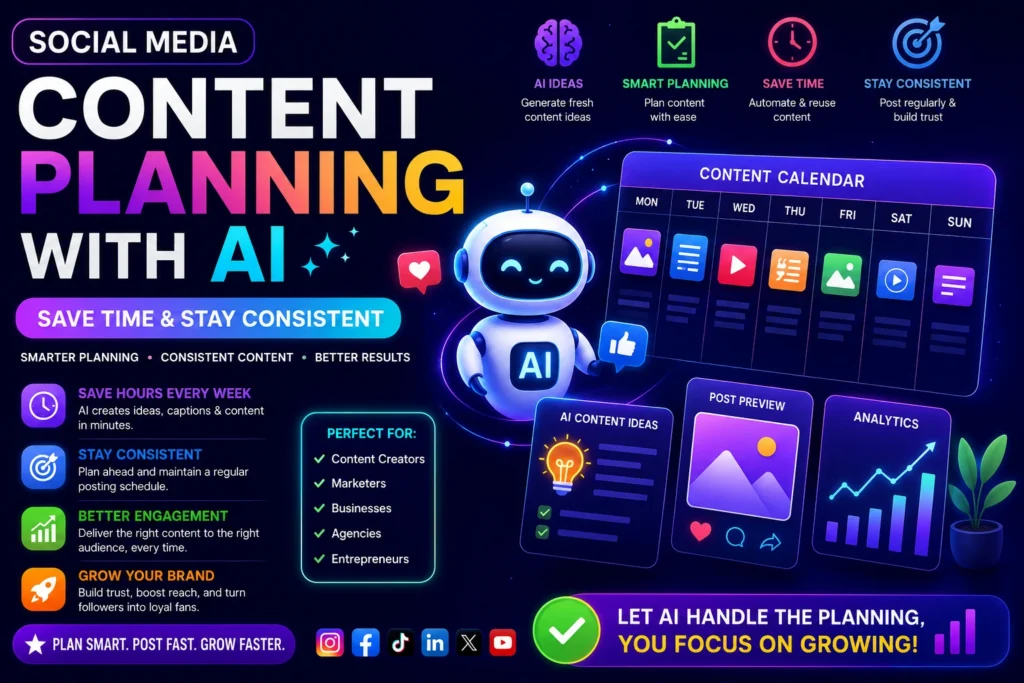
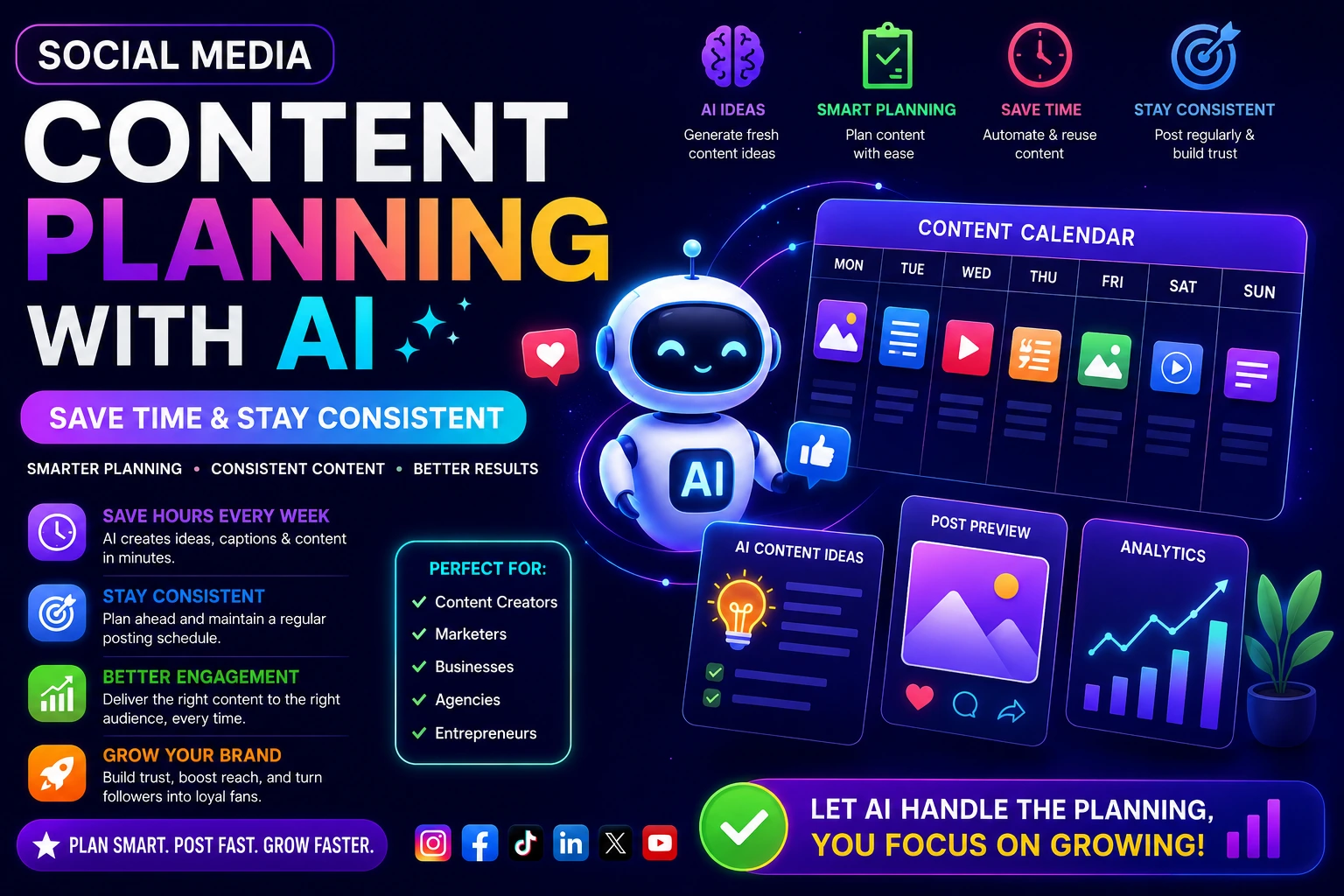
Social media success comes down to consistency and relevance. You need to post regularly, engage your audience, and create content that resonates. For most small business owners and beginners, the biggest obstacle isn’t motivation. it’s time and the constant pressure to come up with something new.
AI tools address this in specific ways:
Content ideation
Staring at a blank screen wondering what to post today is one of the most common frustrations. AI tools can generate a week or month’s worth of content ideas from a brief description of your business and audience. Not all ideas will be useful, but having 20 options to filter through is far more productive than starting from zero.
Caption writing
Writing captions that sound natural and match your brand voice is harder than it looks. AI post generators have improved significantly and can produce platform-appropriate copy shorter and punchy for Twitter/X, more visual and hashtag-friendly for Instagram, more professional for LinkedIn in seconds.
Posting inconsistently damages your reach and engagement. AI scheduling tools handle the calendar side: you batch-create content, upload it, and the platform publishes at optimal times. This alone can transform your social media presence.
Performance analysis
Knowing which posts performed well and why is where a lot of small business owners fall short — they post without tracking results. AI analytics tools surface patterns in your data and tell you what to do more of.
The Best AI Social Media Tools in 2026
Buffer :
- Best for Beginners and Small Teams.
- Buffer is the easiest AI social media tool to get started with, offering AI-assisted caption writing, scheduling, and basic analytics across all major platforms.
- Buffer has been around for over a decade and has earned its reputation as the most beginner-friendly social media management platform. The AI features added in recent versions make it genuinely more useful, not just a gimmick.
What it does well:
- Clean, simple interface that takes minutes to learn.
- AI assistant that writes and rewrites captions based on tone preferences.
- Scheduling across Instagram, Facebook, LinkedIn, Twitter/X, Pinterest, and TikTok.
- Engagement inbox to manage comments and replies in one place.
- Analytics showing post performance and audience growth.
What it doesn’t do:
- Visual content creation you’ll need Canva or similar for graphics.
- Deep competitor analysis.
- Advanced automation workflows.
Pricing:
Free plan available (3 channels, 10 scheduled posts each). Paid plans start around $6/month per channel.
Best for:
Solopreneurs, bloggers, and small businesses posting consistently across 2–5 platforms.
Later:
- Best for Instagram and Visual Platforms.
- Later specializes in visual content planning and is the strongest AI scheduling tool for Instagram, Pinterest, and TikTok-focused businesses.
- If your business is visually led fashion, food, lifestyle, retail, hospitality Later is built for your workflow. The visual content calendar lets you drag and drop images to plan your feed aesthetically before anything goes live.
What it does well:
- Visual content calendar with a preview of how your Instagram grid will look.
- AI caption writer and hashtag suggestions.
- Link in bio tool (Linktree-style) built in.
- Best time to post recommendations based on your audience data.
- Repurposing content across platforms with format adjustments.
What it doesn’t do:
- Strong LinkedIn or Twitter/X support. it’s built for visual platforms.
- Advanced team collaboration features on lower-tier plans.
Pricing:
Free plan for 1 social set. Paid plans start around $18/month.
Best for:
Instagram-first businesses, e-commerce brands, content creators, photographers.
Predis.ai
- Best AI Post Generator for Social Graphics.
- Predis.ai is one of the strongest AI social media tools for automatically generating complete social posts including graphics and captions from a text prompt.
- Predis.ai stands out because it goes beyond caption writing. Feed it a product name, a blog URL, or a topic, and it generates a complete social post: graphic, caption, and hashtags. For small businesses without a designer, this is one of the most time-saving tools available.
What it does well:
- Generates ready-to-post graphics + captions from a prompt.
- Repurposes blog posts, product descriptions, and URLs into social content.
- Competitor analysis feature showing what’s working in your niche.
- Brand kit to maintain consistent colors and fonts across generated content.
- Supports 15+ platforms
What it doesn’t do:
- Generated graphics are good but not as polished as professionally designed content.
- Scheduling features are less mature than Buffer or Later.
Pricing:
Free plan with limited credits. Paid plans start around $32/month.
Best for:
Small business owners who need graphics + copy without a design background.
Publer
- Best All-in-One for Small Business.
- Publer combines AI content generation, scheduling, bulk uploading, and analytics in a single platform at a price point that works for small businesses.
- Publer is the tool that comes up repeatedly when small business owners with limited time compare options. It’s not the flashiest platform, but it covers the full workflow from generating a post idea to publishing it and reviewing what worked without requiring multiple subscriptions.
What it does well:
- AI writer for captions with tone selection.
- Bulk scheduling (upload hundreds of posts via CSV).
- Watermarking and basic image editing built in.
- Recurring posts useful for evergreen content you want to repost.
- Detailed analytics with exportable reports.
- Affordable pricing
What it doesn’t do:
- Less polished AI graphic generation than Predis.ai.
- Not ideal for large agency teams
Pricing:
Free plan available. Paid plans start around $12/month.
Best for:
Small business owners managing multiple platforms who want one affordable tool for everything.
Hootsuite
- Best for Growing Teams.
- Hootsuite’s OwlyWriter AI brings content generation into one of the most established social media management platforms, making it well-suited for teams that need collaboration features alongside AI assistance.
- Hootsuite has been the enterprise standard for social media management for years. The OwlyWriter AI integration adds content generation without replacing the robust scheduling, team workflows, and deep analytics the platform is known for.
What it does well:
- OwlyWriter generates captions, post ideas, and repurposed content.
- Best-in-class team collaboration and approval workflows.
- Manages a large number of accounts and profiles.
- Extensive analytics with custom dashboards.
- Social listening features to monitor brand mentions and trends.
What it doesn’t do:
- Expensive for solo users or very small teams the value proposition is for organizations with multiple team members.
- Steeper learning curve than Buffer or Later.
Pricing:
Paid plans start around $99/month. No meaningful free plan.
Best for:
Growing businesses, marketing teams, agencies managing multiple client accounts.
Canva
- Best for Visual Content + Captions Together.
- Canva’s AI tools, including Magic Write and the AI image generator, make it the strongest option when your primary need is creating visually polished social content.
- Canva is primarily a design tool, not a social media management platform but its AI features deserve a place in this guide. Magic Write generates captions and post copy directly within the design interface, and the AI image generator creates custom visuals from text prompts. For anyone already using Canva for graphics, layering in the AI writing features creates a very efficient content creation workflow.
What it does well:
- Best-in-class template library for social media graphics.
- Magic Write for captions, ad copy, and post text.
- AI image generation and background removal.
- Brand kit and team sharing.
- Direct publishing to social platforms (limited compared to dedicated schedulers).
What it doesn’t do:
- Scheduling and analytics are basic. it’s not a management platform.
- OwlyWriter, Buffer AI, or Publer handle the publishing workflow better.
Pricing:
Free plan available. Canva Pro starts around $15/month.
Best for:
Content creators and small businesses that prioritize visual quality and already use Canva.
How to Choose the Right AI Social Media Tool
With so many options, the decision comes down to a few practical questions:
What platforms do you post on?
If Instagram and Pinterest are your focus, Later is purpose-built for visual platforms. If you’re across LinkedIn, Facebook, and Twitter/X, Buffer or Publer handle the mix better.
What takes the most time?
Writing captions? An AI post generator like Predis.ai or Buffer AI addresses that directly. Designing graphics? Canva. Scheduling and calendar management? Publer or Buffer. All of the above? Publer or Hootsuite depending on your team size.
What’s your budget?
Buffer and Publer both have usable free plans and affordable paid tiers. Hootsuite and Sprout Social cost significantly more but include features that smaller teams don’t need.
Do you need team features?
If you’re working solo or with one other person, any platform works. If you need approval workflows, multiple user logins, or client reporting, Hootsuite or Sprout Social are worth the premium.
Quick Comparison Table
| Tool | Best For | AI Content | Scheduling | Analytics | Starting Price |
| Buffer | Beginners, small teams | ✓ Captions | ✓ Strong | ✓ Basic | Free / ~$6/mo |
| Later | Instagram-first | ✓ Captions | ✓ Visual | ✓ Good | Free / ~$18/mo |
| Predis.ai | Graphics + captions | ✓ Full posts | ✓ Moderate | ✓ Competitor | Free / ~$32/mo |
| Publer | All-in-one SMB | ✓ Captions | ✓ Strong | ✓ Detailed | Free / ~$12/mo |
| Hootsuite | Teams, agencies | ✓ OwlyWriter | ✓ Enterprise | ✓ Advanced | ~$99/mo |
| Canva | Visual-first creators | ✓ Magic Write | ✓ Basic | ✗ Limited | Free / ~$15/mo |
Getting the Most from AI Social Media Tools: Practical Tips
Give the AI something to work with.Vague prompts produce vague content. Instead of asking an AI post generator to “write something about my bakery,” try: “Write an Instagram caption for a new sourdough loaf. Warm and friendly tone. Include a soft call to action to visit the link in bio.” Better input produces noticeably better output.
Edit before you publish. AI-generated captions are starting points, not finished posts. Read every piece of content before it goes live. AI tools occasionally produce phrasing that sounds slightly off, repeats itself, or misses your brand voice. A 30-second edit is worth it.
Batch your content creation. The most efficient way to use AI social media tools is to sit down once a week, generate all your content for the week in one session, review and edit it, then schedule it all. Trying to create posts one at a time, day by day, defeats the purpose.
Use analytics to guide your next batch. After a month of consistent posting, look at what performed best. More reach? More saves? More comments? Let that data influence what content you create more of. AI analytics tools surface this automatically in most platforms.
Don’t automate engagement. Scheduling posts is smart. Automating replies and comments is risky — it can come across as robotic and damage trust. Keep the human interaction side genuinely human.
Common Mistakes Beginners Make With AI Social Media Tools
Choosing the most expensive tool first. There’s no reason to start with a $99/month platform when free or $12/month options cover everything you actually need at the start.
Treating AI output as final. The output quality from AI post generators varies. Always review, always edit, always add a personal touch where it matters.
Setting it and forgetting it. Social media automation handles publishing, but it doesn’t handle trend participation, responding to comments, or adjusting when something isn’t working. Tools assist the strategy; they don’t run it.
Ignoring platform differences. A caption that works on LinkedIn reads strangely on TikTok. Most AI tools let you adjust tone and format by platform use those settings rather than posting the same content everywhere identically.
Not customizing brand voice settings. Most platforms let you define your brand voice formal, casual, witty, professional. Take five minutes to configure this properly and AI-generated content will be far closer to your actual tone.
FAQ Section
Q1: What is the best AI tool for social media?
Buffer is the best starting point for most beginners. Predis.ai is strongest for AI-generated graphics plus captions. Hootsuite suits larger teams. The best tool depends on your specific needs.
Q2: Are AI social media tools worth it for small businesses?
Yes. The time saved on content creation and scheduling alone typically justifies the cost. Even free tiers provide meaningful value.
Q3: Is social media automation safe?
Scheduling posts is safe and widely used. Fully automated engagement (auto-replies, bot-generated comments) carries risks and can violate platform terms of service.
Q4: How do AI scheduling tools work?
They connect to your social accounts, allow you to schedule posts in advance, and often recommend optimal posting times based on your audience’s activity patterns.
Q5: Can I use AI to manage multiple social media accounts?
Yes. Most platforms like Buffer, Publer, and Hootsuite are designed to manage multiple accounts across different platforms from a single dashboard.
Q6: What is the cheapest AI social media tool?
Buffer and Publer both offer free plans. Publer’s paid plan starts around $12/month, making it one of the most affordable full-featured options.
Q7: Do AI tools work for Instagram Reels and TikTok?
Most platforms support scheduling for Reels and TikTok, though video creation and editing features vary. Canva is strongest for actual video content production.
Q8: What’s the difference between social media AI software and a social media scheduler?
A scheduler handles timing and publishing. Social media AI software adds content generation, analytics, and optimization features on top of scheduling.
Q9: Can AI create social media graphics?
Yes. Predis.ai and Canva with AI features generate graphics from text prompts. Quality is good for standard social content, though polished campaigns may still benefit from professional design.
Q10: How much time can AI social media tools save?
Most users report saving 3–8 hours per week on content creation and scheduling once they establish a batching workflow with AI tools.
Q11: How do I get started with AI social media tools?
Start with a free trial of Buffer or Publer, connect two or three of your social accounts, and batch-create your first week of content using the AI caption writer. From there, review what worked and build the habit.
Q12: What are AI social media tools?
They’re software platforms that use AI to help you create content, schedule posts, manage multiple accounts, and analyze performance across social media channels replacing hours of manual work each week.
Q13: Which AI social media tool is best for beginners?
Buffer is the most beginner-friendly option, with a clean interface, a free plan, and an AI assistant that writes captions without requiring any technical knowledge.
Q14: Can I use an AI post generator for free?
Yes. Buffer, Later, Publer, and Canva all offer free plans with AI writing features, though with usage limits. They’re more than enough to get started.
Q15: Is social media automation allowed on Instagram and LinkedIn?
Scheduling posts via approved API partners (which all major tools are) is permitted and widely used. Automated engagement like auto-follows, auto-comments, and mass DMs violates most platform policies.
Q16: How do AI scheduling tools decide the best time to post?
They analyze your account’s historical engagement data when your audience is most active and when past posts received the most interaction and recommend time slots based on those patterns.
Q17: Do I still need to create my own content if I use AI tools?
You still need to provide direction: prompts, brand guidelines, product information, and editorial approval. AI generates content faster, but strategy and quality control remain your responsibility.
Q18: Which AI social media tool is best for Instagram specifically?
Later is purpose-built for Instagram, with a visual grid planner, AI captions, hashtag suggestions, and scheduling optimized for the platform.
Q19: Can AI social media tools analyze competitors?
Some tools include competitive analysis. Predis.ai and Hootsuite both offer competitor tracking features that show what content is performing well in your niche.
Q20: What’s the difference between Publer and Buffer?
Both are strong all-rounders. Buffer has a cleaner interface and is slightly easier for beginners. Publer offers more features at similar or lower price points, including bulk scheduling and recurring posts.
Q21: Are AI social media tools suitable for a brand-new business?
Yes. Starting with AI tools from day one builds consistent posting habits and frees you to focus on other aspects of the business. A free plan from Buffer or Publer is a sensible starting point.